West Grove Commons (WGC)

Why You'll LOVE this Community
West Grove Commons (WGC) is the perfect place to start your journey at SFSU. Here, you will enjoy the individual close-knit living communities where you can easily connect with neighbors and immerse yourself in student life. At WGC, you'll have everything you need to thrive while attending the University - a convenient location, community engagement opportunities, support, resources and a new dining facility.
WGC at a Glance
Community
Residence Hall
Occupancy
Community Overview
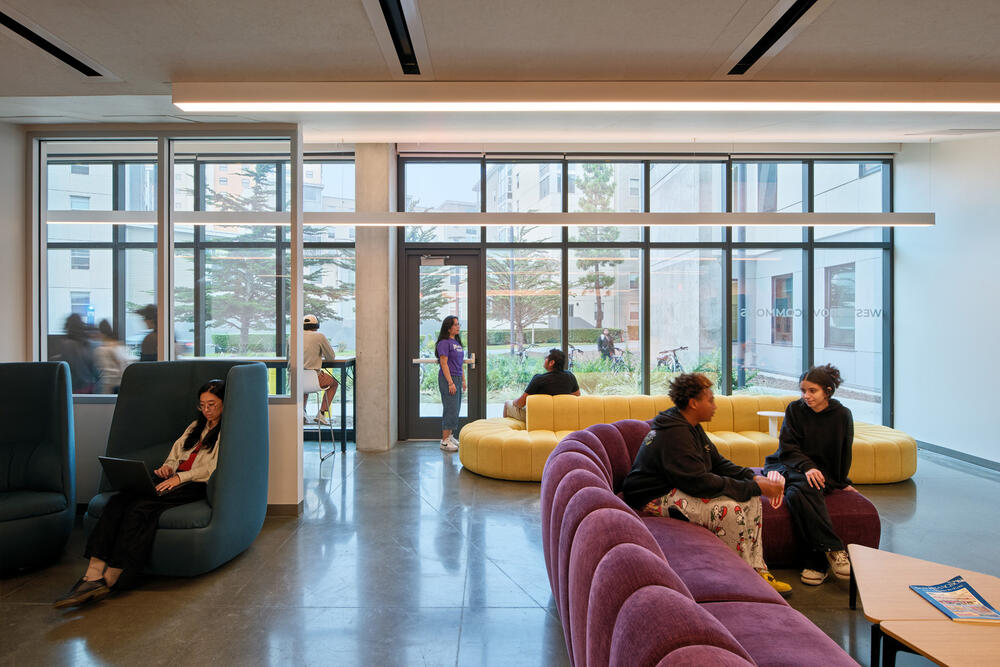
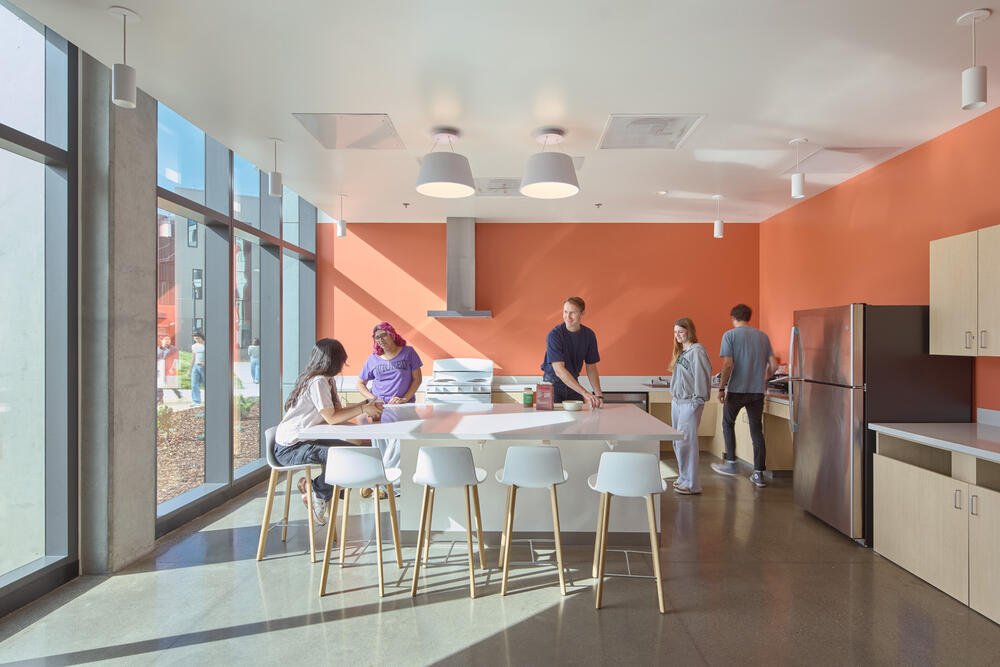
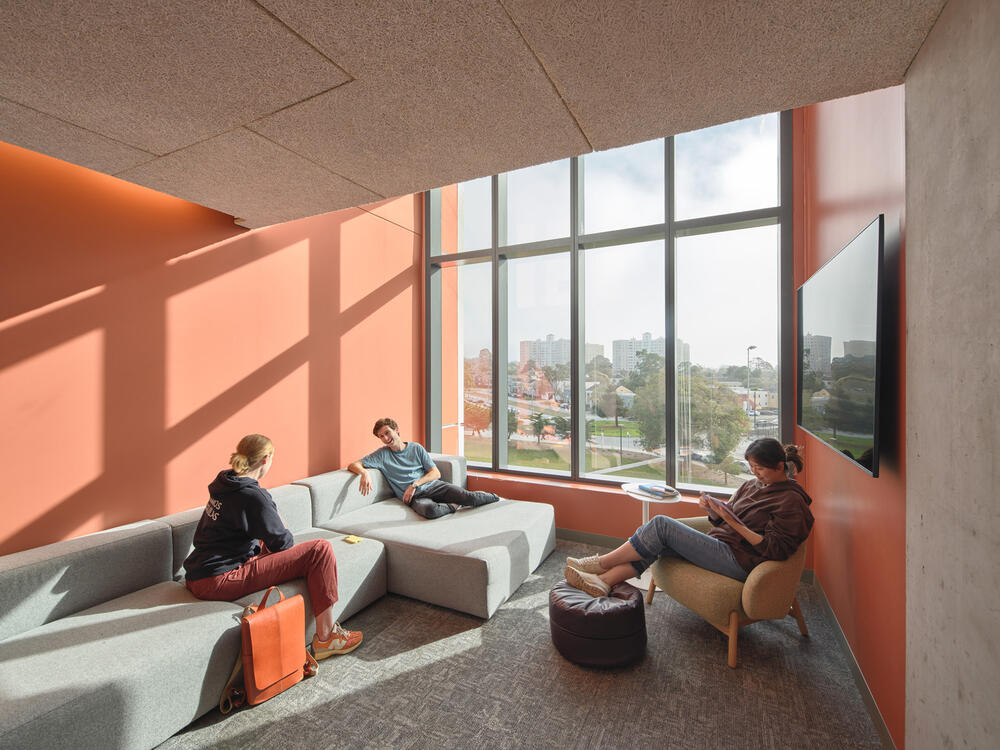
West Grove Commons introduces a new ‘pod-style’ living environment to SFSU’s residential community. Pod-style housing provides clusters of furnished traditional residence hall units with shared lounge and study spaces, a community kitchen and more. At WGC, students can sleep, dine, study and socialize all under one roof.
License and Meal Plan Details
▪ License Term | Academic Year (AY) or Spring (SP)
▪ # of Installments | 10 (AY) or 5 (SP)
▪ Meal Plan | Required
Amenities
▪ Utilities Included
▪ Free Wi-Fi
▪ 24-Hour On-call Staff
▪ Maintenance Services
▪ Security (Including Safewalk Services)
Room Features
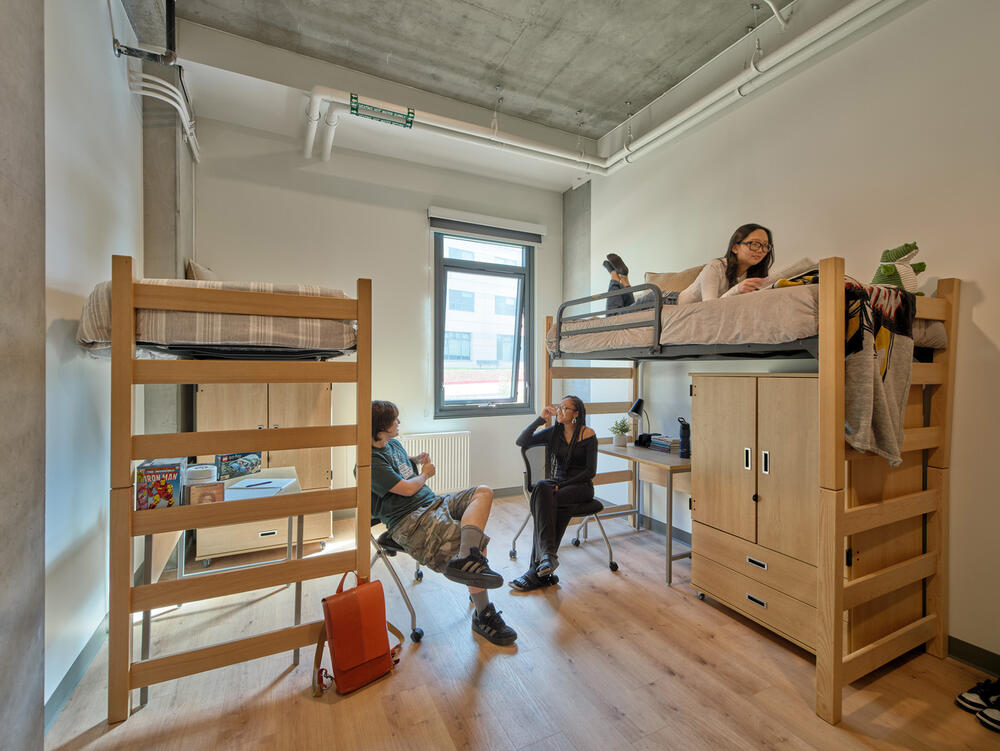
▪ Lofted Extra Long Twin Bed (36 inches x 80 inches)
▪ Armoire
▪ Desk & Chair
▪ Window Coverings
PLEASE NOTE: Furniture availability and arrangements vary by apartment. Some units are specially adapted for students with accessibility needs.
Building Features
▪ Built in 2024
▪ 5 Story Building
▪ Limited Access Community
▪ All-Gender Bathrooms
▪ On-site Laundry Facilities
▪ Community Great Room
▪ Community Kitchen
▪ Lounge & Study Spaces
▪ Game Room
▪ Bike Racks
See What Life Looks Like Here!
Want to get a real sense of our living spaces? Explore our student‑led tour videos for authentic insights and firsthand experiences from current residents. These photos and videos are the perfect way to imagine your future home at SFSU.


Take a Step Inside
With this 3D interactive floor plan, you can explore the unit at your own pace. Click on different areas to move through the space, and click‑and‑drag to rotate your view. You can also check room dimensions by selecting the floor plan icon or the measurements icon.