Email Signatures
Use these email signature guidelines to present a more unified, professional appearance for official University communications. These are recommended for all faculty and staff.
Create your own SFSU Email Signature
- Download the SFSU Email Signature Template
- Copy all information from options 1, 2 or 3 (artwork and contact information) to your clipboard.
- Paste signature into your Outlook signature settings
- Update your personal contact details before saving to your outlook signature.
Do's and Dont's
- Do keep it simple. Include only essential information in three to eight lines.
- Do use Arial, sized 10-12 points.
- You can include simple URLS (without “http://www”).
- Social media links in plain text (without icons) are optional.
- If you’d like, do include your preferred pronouns and name pronunciation.
- Don’t include alternate logos or graphics.
- Don’t include digital contact cards; they increase file size and appear as attachments.
- Don’t include tag lines or quotes; they may be perceived as university-wide statements.
- Don’t include a street address unless you frequently host visitors.
Minimal Signature

John Smith
Assistant Director of Email Guidelines
Strategic Marketing and Communications
Signature with Multiple Phone Numbers and Links
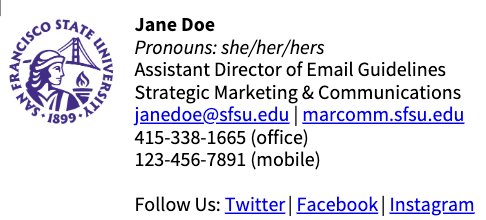
Jane Doe
Pronouns: she/her/hers
Assistant Director of Email Guidelines
Strategic Marketing & Communications
janedoe@sfsu.edu | sfsu.edu/marcomm
415-338-1665 (office)
123-456-7891 (mobile)
Follow Us: Twitter | Facebook | Instagram
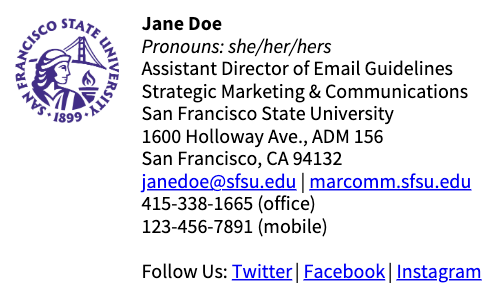
Signature with Mailing Address
Jane Doe
Pronouns: she/her/hers
Assistant Director of Email Guidelines
Strategic Marketing & Communications
San Francisco State University
1600 Holloway Ave., ADM 156
San Francisco, CA 94132
janedoe@sfsu.edu | sfsu.edu/marcomm
415-338-1665 (office)
123-456-7891 (mobile)
Follow Us: Twitter | Facebook | Instagram