What We Do
Service Areas
Review each of AT's unique service areas to discover the different tools, technologies or services available to you, and learn more about how they support teaching, learning and operations across campus.
Support
To contact AT, call (415) 405-5555 or email at@sfsu.edu for an appointment, or schedule via Outlook.
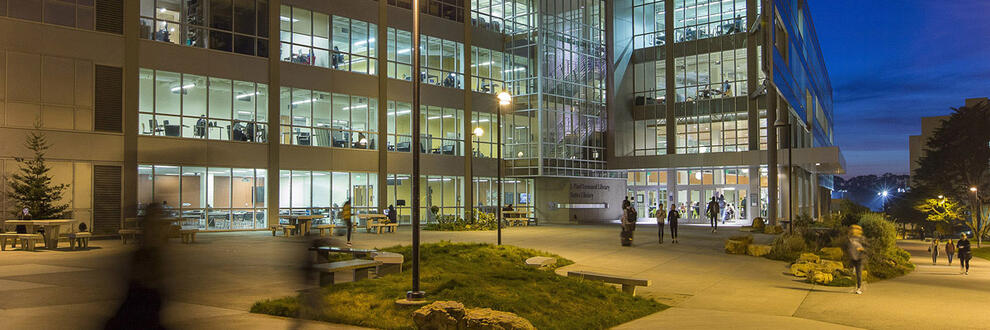
We are available for support through phone, email, and in person in LIB 80, 8 a.m. to 8 p.m. during Fall and Spring, and 8 a.m. to 5 p.m. in Winter and Summer.
To view all announcements, outages, and more, visit the AT Central notice repository.
Academic Technology Services
Learning Technologies
AT develops, optimizes and supports a variety of technologies used for teaching and learning, including the Canvas learning management system, Zoom web conferencing, Syllabus management tool, and more.
IT and Desktop Support
AT provides anytime, anywhere access to research and teaching software; check out laptops and peripherals to faculty and staff; desktop computer and website support for participating units within Academic Affairs.
Classrooms and Computer Labs
AT supports the design, installation and support of all classroom technology and computer labs, campus wide. That includes projectors, speakers, cable connections, document cameras and more.

Learning, Teaching and Innovation
AT provides support for the equitable use of technology for teaching and learning, including access to the latest and most effective resources from the CSU.

AT is here to help
Academic Technology
Academic Technology supports teaching, learning, research and administrative needs through integrated services, partnerships and strategic IT initiatives tailored to the evolving needs of faculty, students and staff.